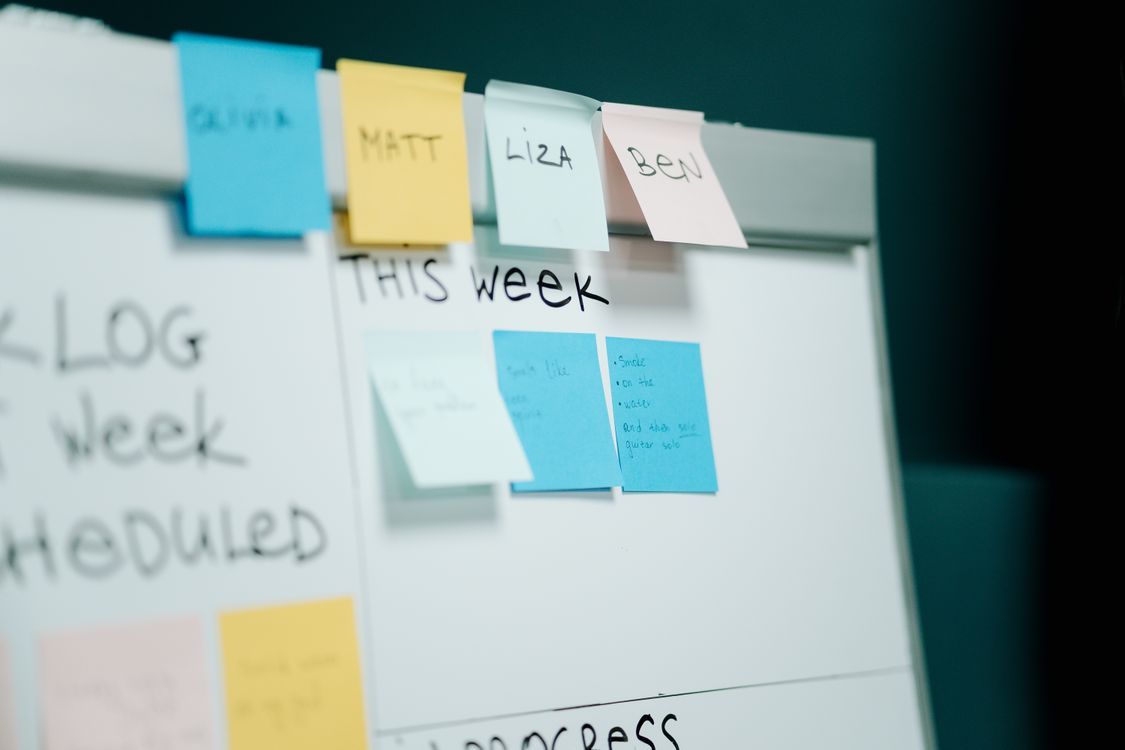
Meeting notes are usually chronological. Presentations should not be. Notes capture what happened minute by minute; a useful deck explains what matters now.
That means the job is not to copy the notes onto slides. It is to extract decisions, context, unresolved questions, owners, deadlines, progress, and next steps, then arrange them for the people who need the update.
First decide who the deck is for
A team recap, executive update, client readout, and project steering meeting need different levels of detail. Before using AI, define the audience and what you want them to do after seeing the presentation.
Pull out the information that deserves slide space
- Decisions that were made
- Changes since the previous update
- Important metrics or evidence
- Risks, blockers, and unresolved questions
- Owners and due dates
- The next actions or decisions required
Most conversational detail can stay out of the deck. If someone needs the full record, link to the original notes separately.
Turn the notes into a decision-oriented structure
A simple sequence is: objective, current status, what changed, key decisions, risks, next actions, and owner/date summary. For a client meeting, you might replace internal risks with recommendations and requested approvals.
You can paste the notes into an AI PowerPoint generator or AI presentation maker and explicitly ask for a stakeholder update rather than a generic summary. That instruction changes what the AI treats as important.
Do not let AI invent decisions
Meeting notes often contain incomplete sentences, shorthand, and tentative ideas. AI may make them sound more definite than they were. Verify every decision, owner, number, deadline, and commitment before presenting the deck.
Use slides to make action visible
Good update slides make ownership obvious. Put actions next to owners and deadlines. Separate confirmed decisions from open questions. If a risk has no mitigation plan yet, say so rather than filling the gap with generic language.
A strong meeting-notes deck is shorter than the notes
The presentation should reduce cognitive load. If the meeting produced five pages of notes, the final deck may only need six or seven slides. The purpose is to help people align quickly, not preserve every sentence.
Pekto is especially useful when the notes already live in a document. The Word to PowerPoint AI workflow can help turn written briefs and notes into an editable deck instead of forcing you to start from a blank presentation.