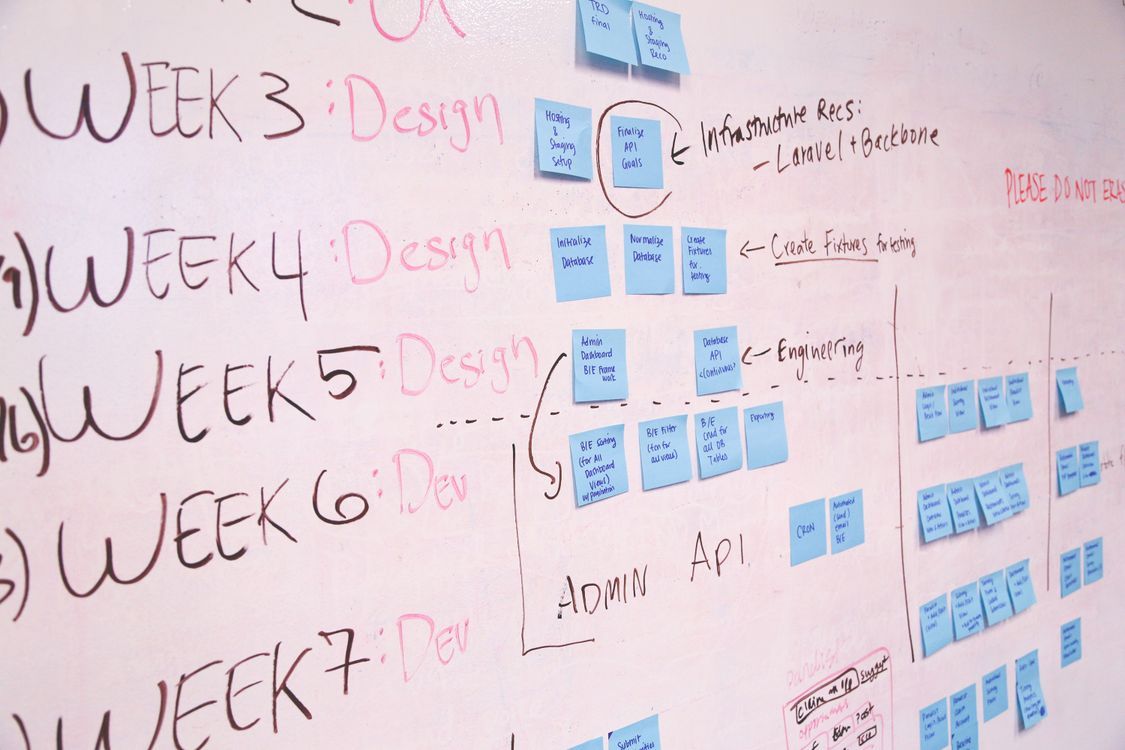
A product roadmap is usually optimized for planning. A roadmap presentation is optimized for alignment. The deck should help the audience understand why the priorities exist, what outcomes they support, and where uncertainty remains.
Start with the product objective
Explain the customer problem, business objective, or strategic theme behind the roadmap. Without that context, the presentation becomes a list of features and dates.
Group work by outcomes or themes
Instead of showing every ticket, group initiatives into themes such as activation, retention, reliability, or expansion. Connect each theme to the result you expect it to create.
Show timing without pretending uncertainty is certainty
Roadmaps change. Use time horizons, phases, or confidence levels when exact dates are not committed. A presentation should make uncertainty visible rather than turning a planning assumption into a promise.
Use AI to create audience-specific versions
An AI presentation maker can help turn the same roadmap notes into an executive update, customer-facing overview, or internal planning deck. The source stays the same, but the level of detail changes.
End with dependencies and decisions
Call out the assumptions, dependencies, resourcing constraints, and open decisions that could change delivery. This helps the audience understand what support the roadmap requires.