A standard operating procedure can be accurate and still be difficult to learn from. Dense paragraphs, undefined terms, and steps without context may tell employees what to do without helping them understand when, why, or how to do it.
A useful SOP training presentation turns the procedure into a learning path: explain the task, show the workflow, clarify decisions, and give learners a chance to practice. The structure below works for onboarding, process changes, and refresher training, whether you build slides from scratch or adapt an existing SOP.
Start with the task and the learner
Before arranging slides, define the task the learner should be able to perform afterward. “Understand the returns process” is broad; “inspect a returned item, record its condition, and route it to the correct location” describes observable actions. A specific outcome helps you decide which details belong in the training and which can stay in the reference procedure.
Then identify the audience’s starting point. New hires may need to learn terminology, tools, and safety expectations before following the workflow. Experienced staff learning a revised process may need a short explanation of what changed and where old habits could cause errors. Write down prerequisites, role boundaries, and the situations in which learners will use the procedure. These choices determine the examples, pace, and amount of detail each slide needs.
- Use action verbs such as inspect, record, approve, or escalate.
- Separate essential knowledge from details learners can look up later.
Give the procedure a clear learning path
A practical deck usually moves from purpose to action: explain why the procedure matters, define the task and its scope, introduce required tools or inputs, walk through the process, then let learners apply it. Close with a knowledge check and a concise job aid or reminder. This sequence gives learners context before asking them to remember individual steps.
For example, a presentation about closing a retail register might open with the outcome—reconcile the drawer and secure the funds—then show what is needed, who performs each action, and when a discrepancy must be escalated. A simple agenda can preview that sequence. If you want a starting point for organizing the flow, Pekto’s Training Presentation Template can help you plan the sections before filling in procedure-specific content.
Turn written instructions into teachable steps
Group related actions into stages rather than copying a full page of procedure text onto one slide. Give each stage a descriptive heading, then present steps in the order they happen. Keep one main action or small group of tightly related actions in focus at a time. Include the responsible role, required input, expected result, and any timing or recordkeeping requirement when those details affect correct execution.
Consider a purchasing approval SOP. Instead of a paragraph describing the whole request, divide it into submit the request, verify the documentation, approve or return it, and record the decision. A flow diagram can show how a complete request proceeds, while a close-up slide explains how to check a required field. If the source is a written document, you can use Word to PowerPoint AI as one way to begin turning it into a presentation, then review the content and structure for the specific learners.
- Preserve exact thresholds, required fields, and mandated wording.
- Use visuals to clarify sequence or relationships, not as decoration.
Make decision points and exceptions visible
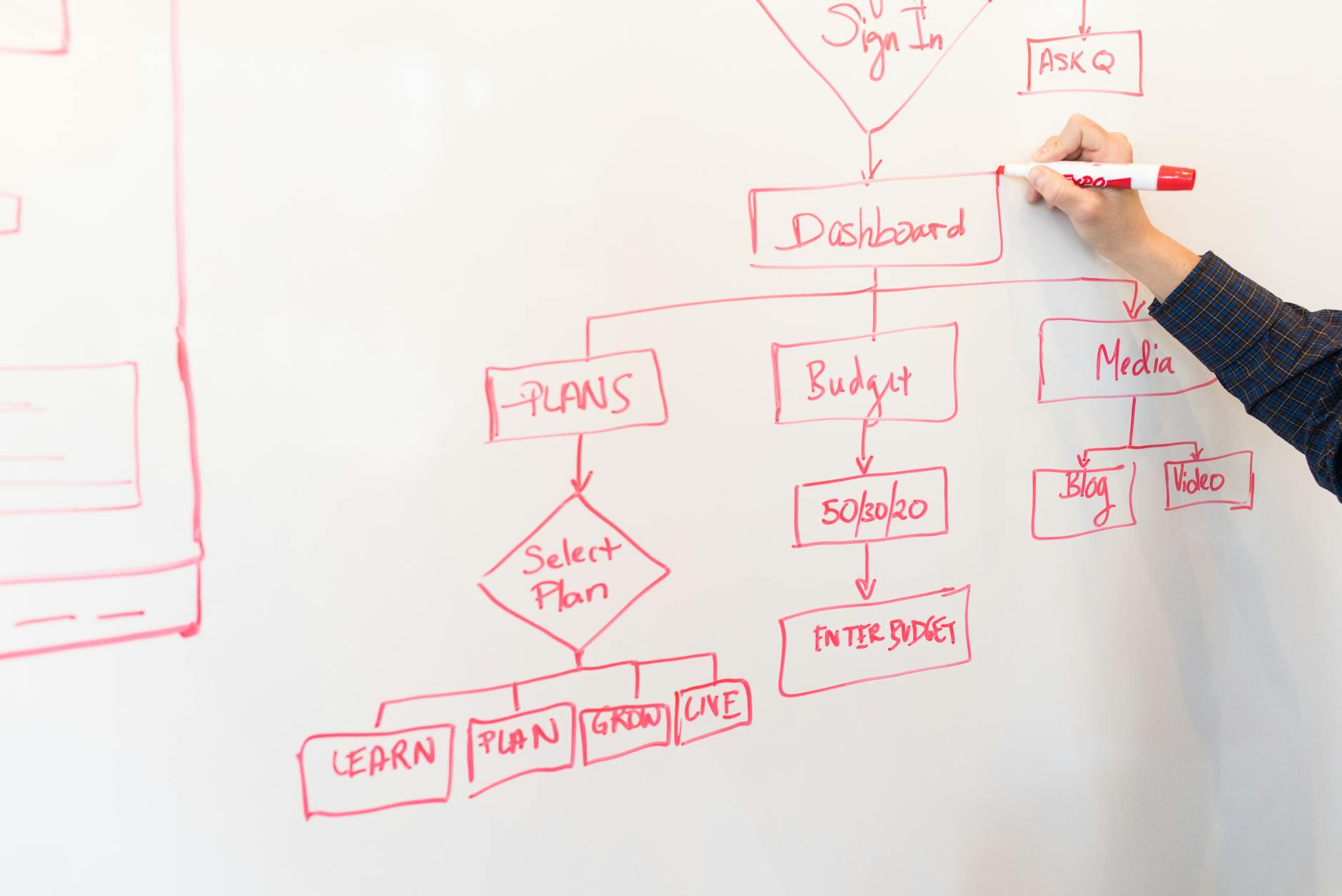
Procedures often include branches: approve or reject, continue or stop, resolve locally or escalate. Make each decision explicit. State what the learner checks, what result leads to each route, and who owns the next action. A flowchart can make a branching process easier to follow, but label every path clearly so that the diagram does not depend on color or guesswork.
Exceptions deserve focused teaching because they are where a routine sequence breaks down. For instance, show what to do when a delivery arrives with damaged packaging, when a required field is missing, or when a system is unavailable. Distinguish a permitted workaround from an action that requires approval. If the procedure does not define what to do, flag that gap for the process owner instead of inventing an answer in the slides.
Build in demonstration and realistic practice
A training deck should not ask learners only to watch and listen. Demonstrate the task with a worked example, then give learners a chance to try a representative scenario. A screen-based process might include a sequence of annotated screenshots; a physical task might use a photo or diagram to point out inspection details. Show the expected result as well as the action so learners can compare their work with the standard.
Make practice resemble the conditions of the job. For a customer-service escalation procedure, provide a short case with a missing detail and ask learners what to document, what to say, and where to route the issue. Follow the exercise with the correct response and a brief explanation. If the training is delivered live, add a pause for pair practice or questions; for self-paced use, include prompts and feedback directly in the slides.
- Use one routine scenario and, where useful, one exception scenario.
- Ask learners to perform or choose an action, not merely repeat a definition.
Check understanding and prepare the deck for use
End with a check tied to the learning outcome. Questions should reveal whether someone can apply the procedure: choose the right next step, identify a missing record, or explain when to escalate. A quick recall question can help reinforce terminology, but it should not be the only measure of readiness for a multi-step task. Explain the correct answer and point learners back to the relevant part of the workflow.
Before presenting, verify the steps against the current approved SOP and ask a subject-matter expert to review sensitive or high-consequence instructions. Check that role names, system labels, examples, and revision details are current. Keep slides readable and reserve detailed reference material for a handout or source document. Pekto can turn source material such as documents, notes, or structured content into editable presentations; users can review and edit the generated content and structure before export. To explore that workflow, see SOP to Presentation AI.
- Confirm that every decision path has an owner and a next action.
- Add the procedure’s version or review date where learners can find it.